
Flight Training
Rotary
Classroom Training
Avionic Desktop Trainer (ADT)
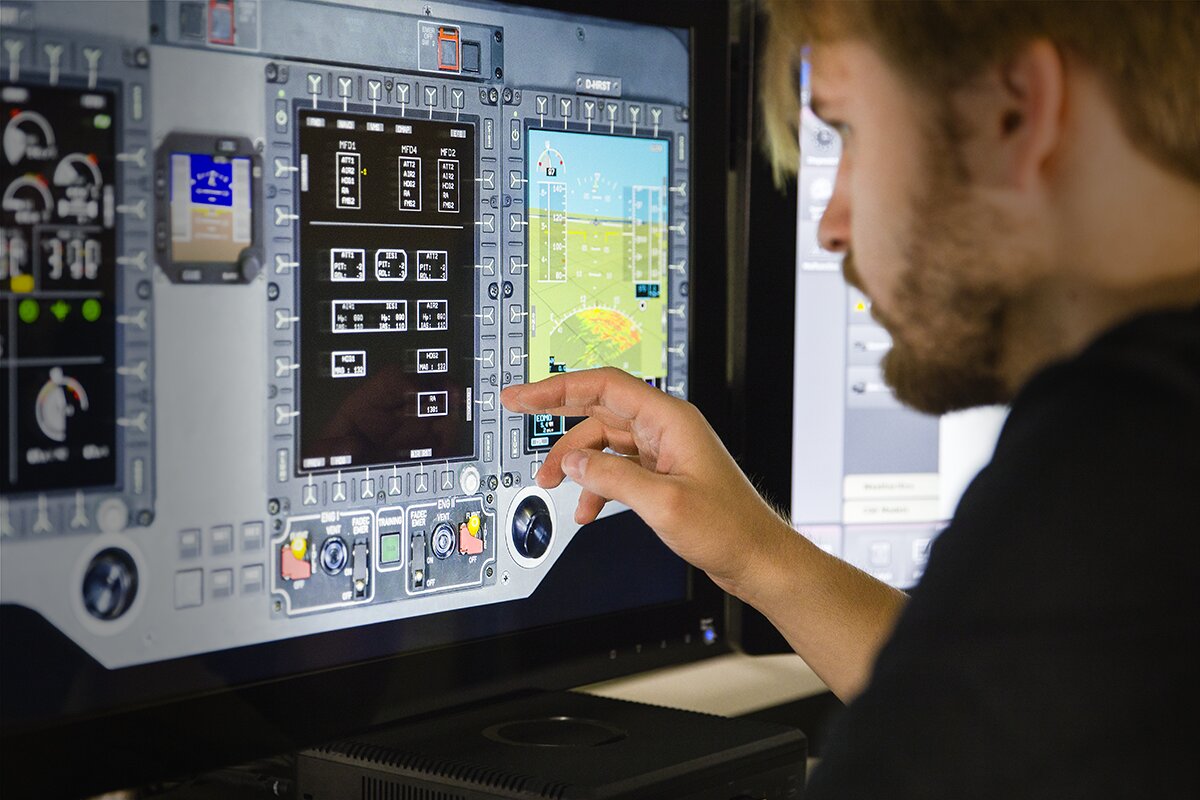
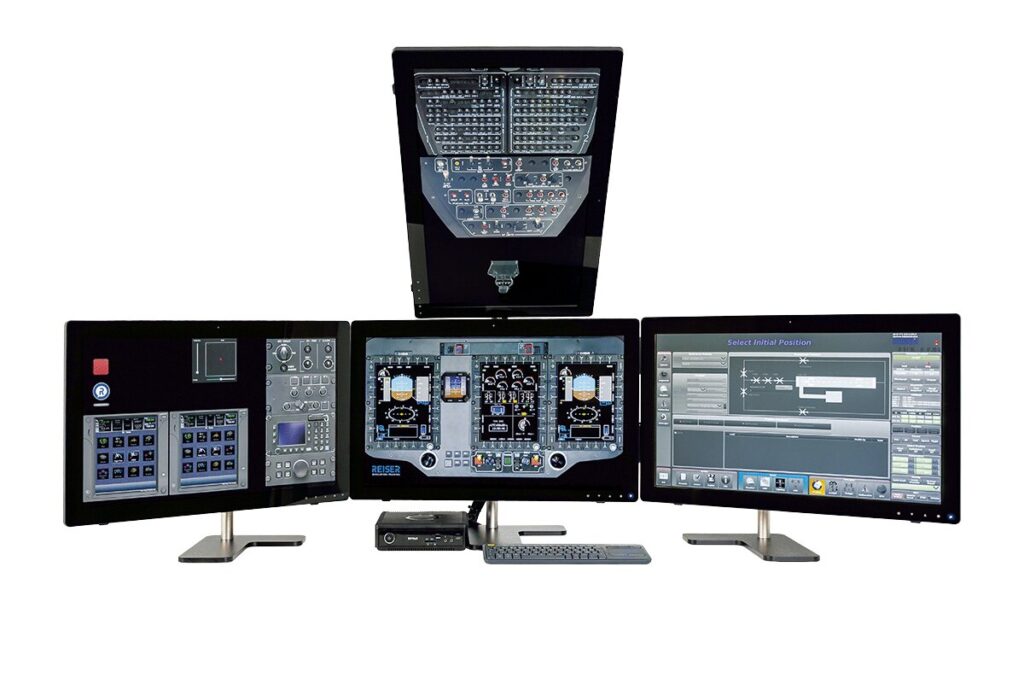
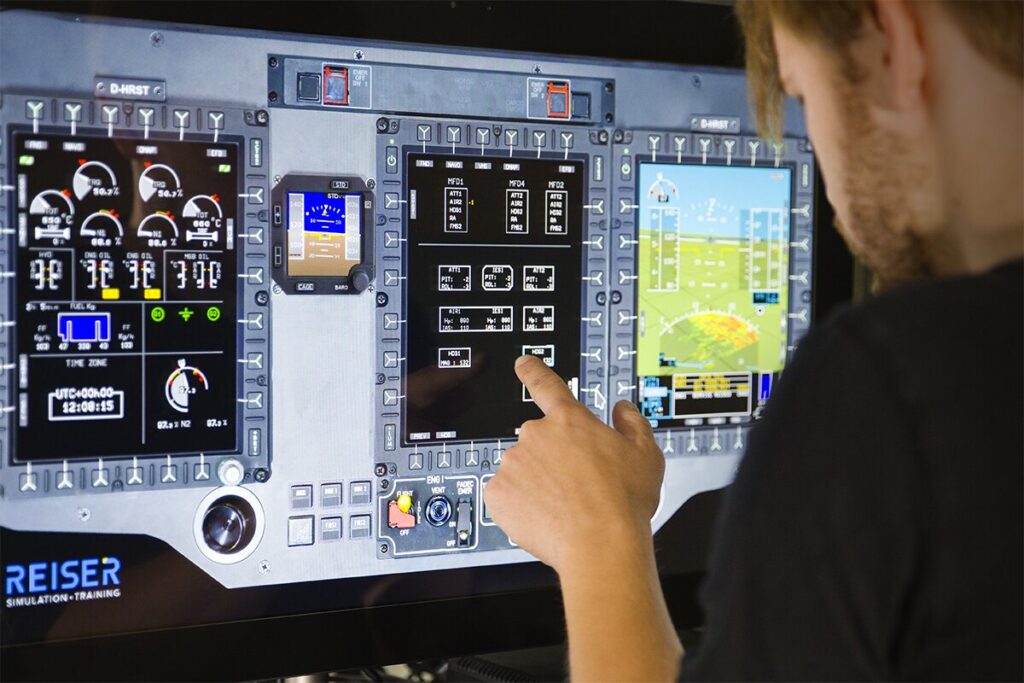
The REISER Avionic Desktop Trainer (ADT) is a compact avionics and procedures trainer for true-to-life classroom and individual training. A high-fidelity derivative of the Full Flight Simulator, it reproduces core avionics, flight and system functions on four touch displays, for systems familiarization and focused preparation for further training.
Product family
Avionic & Procedure Trainer
Qualification
No certification required
Available types
H135 T3H
H145 D2 H3
H145 D3 H8
H145 D3 H10
Available types
The ADT is available as a type-specific trainer for the H135 and H145 families, with the same flight, engine and AFCS models as the corresponding Full Flight Simulator. It enables high-quality classroom training and cost-efficient individual training, without every training session having to take place in the FTD or FFS.
ADT / Rotary
Airbus
H135 T3H
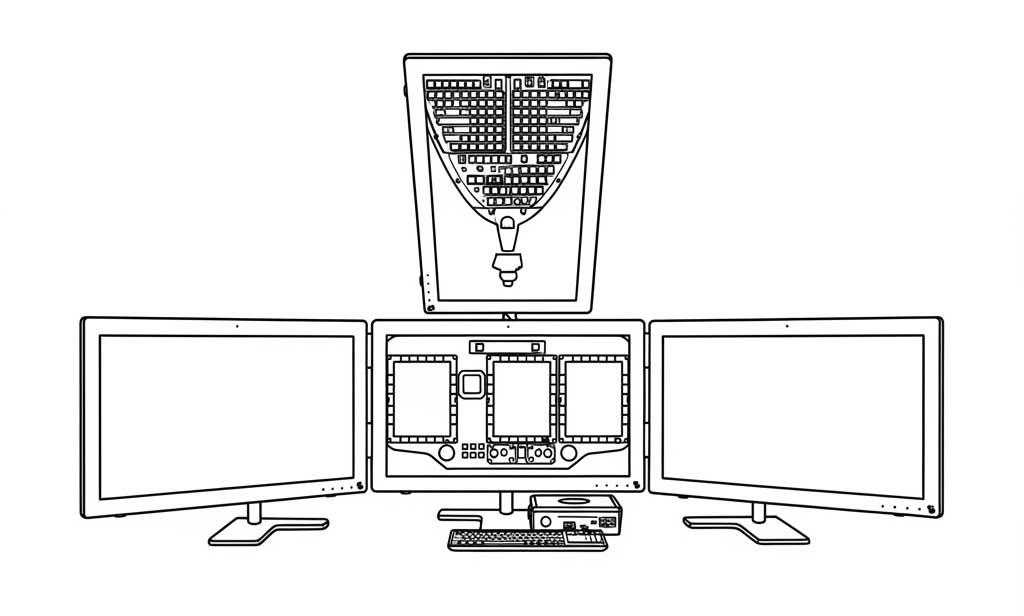
Avionics and procedures training with the H135 T3H flight, engine and AFCS model, for classroom and individual training.
Airbus
H145 D2 H3
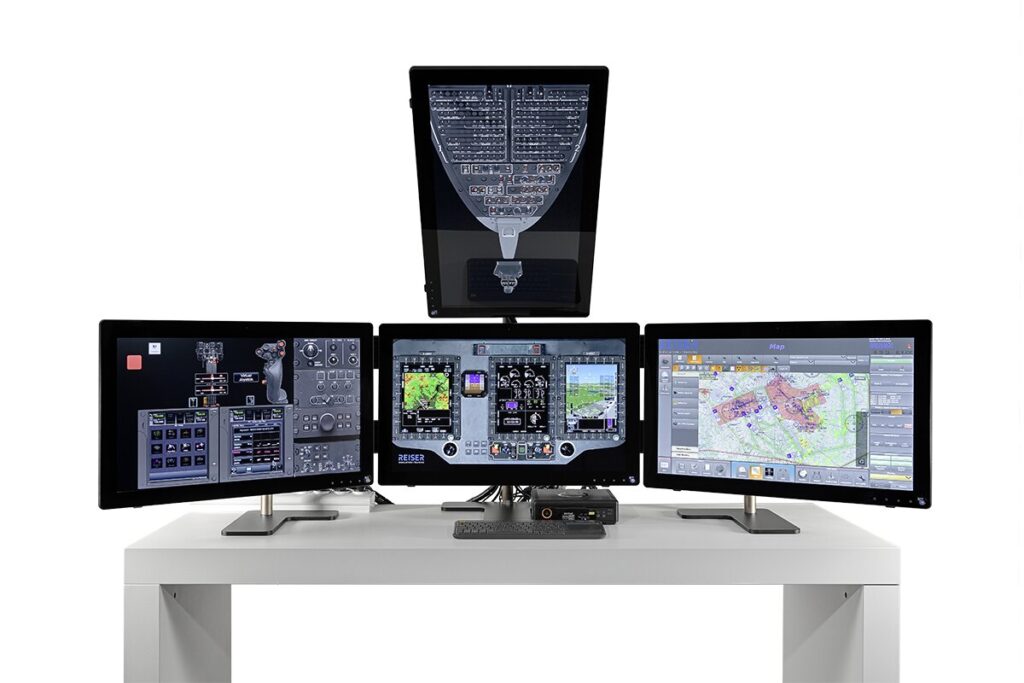
Avionics and procedures training with the H145 D2 H3 flight, engine and AFCS model, for classroom and individual training.
Airbus
H145 D3 H8
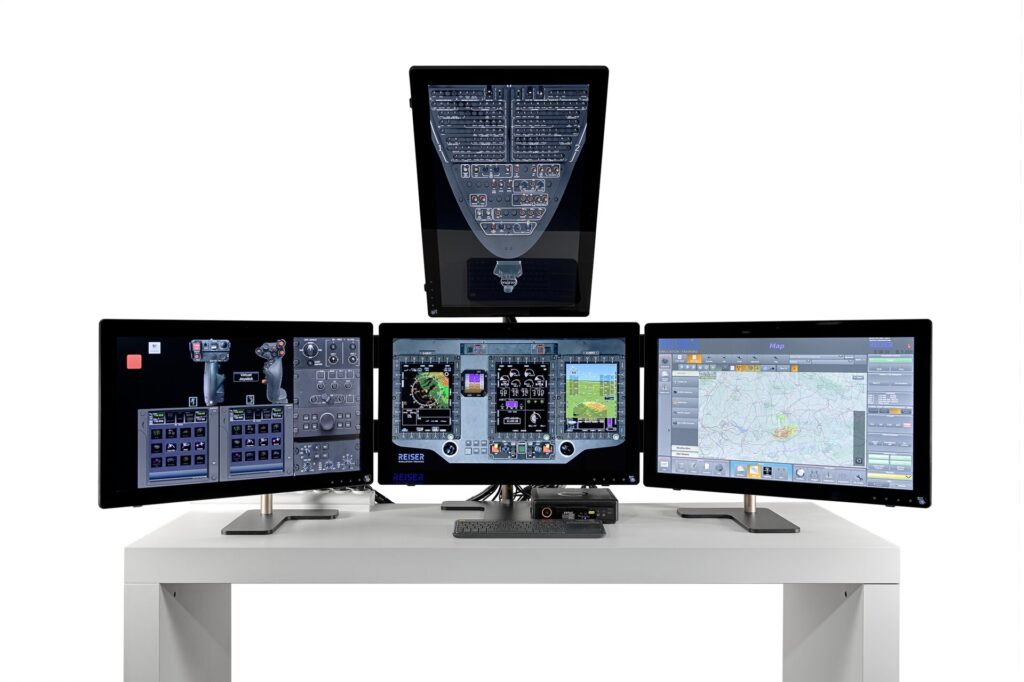
Avionics and procedures training with the H145 D3 H8 flight, engine and AFCS model, for classroom and individual training.
Airbus
H145 D3 H10
Avionics and procedures training with the H145 D3 H10 flight, engine and AFCS model, for classroom and individual training.
Overview
More practice time before the simulator
The ADT moves core avionics and procedures training out of the simulator and into the classroom. With type-specific displays, realistic software models and an Instructor Operating Station identical to the FFS, trainees prepare, repeat and consolidate procedures, in the classroom or individually, before the actual simulator session begins.
The challenge
Training time in the Full Flight Simulator is valuable. At the same time, avionics, system operation and instrument procedures need repetition before they become safe and routine. Not every exercise has to take place in the FTD or FFS.
The solution
The Avionic Desktop Trainer focuses on exactly these tasks. It reproduces the relevant Helionix avionics, flight and system models as well as normal and emergency procedures on a compact desktop system. Training content is prepared, repeated and consolidated in the classroom or in cost-efficient individual training, before it is covered in greater depth in the FTD or FFS.
The benefits
FFS-derived software models
Cost-efficient classroom and individual training
Comprehensive instrument procedures
Typical application scenarios
Avionics familiarization
Normal and emergency procedures
Procedures
IFR procedures
The system in detail
The REISER Avionic Desktop Trainer combines four Full HD touch displays, type-specific avionics and flight models and an Instructor Operating Station identical to the FFS. The system supports the preparation, delivery and debriefing of avionics and procedures training, in classroom and individual training, as preparation for further training or as one building block of an integrated training concept.
1
Avionics & displays
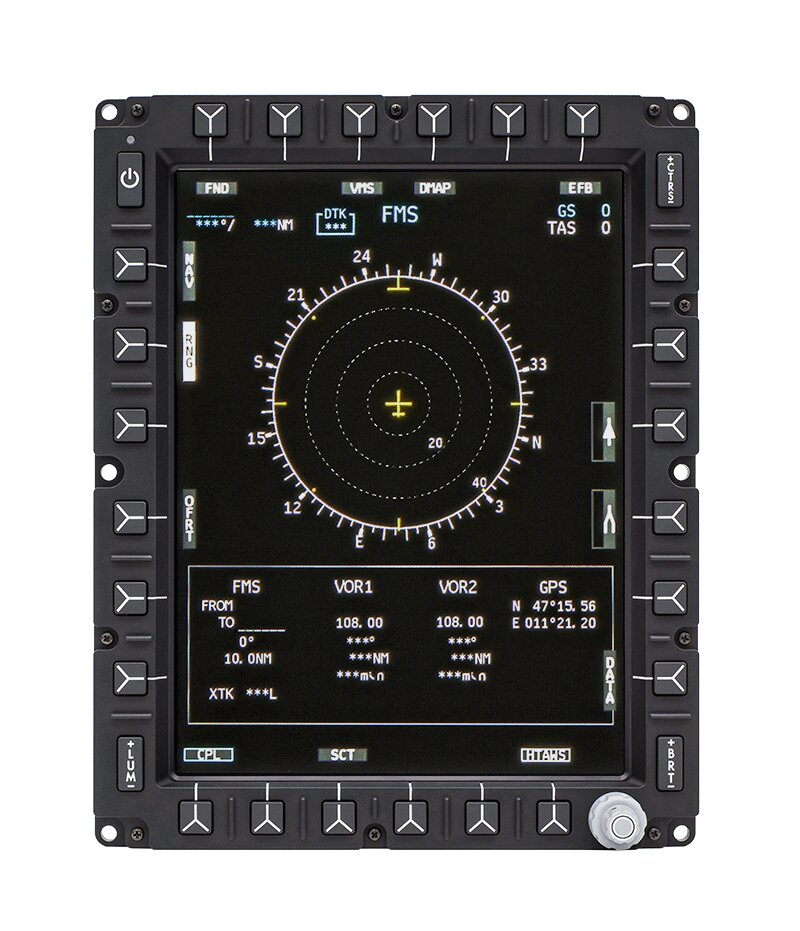
Four 27-inch Full HD touch displays reproduce the relevant avionics and system indications of the respective helicopter type. Touch operation allows direct interaction with the virtual panels and supports familiarization with display layout, operating logic and system states.
Four 27-inch Full HD touch displays
Type-specific Helionix avionics
Virtual panels and system indications
Integrated speakers
Animated system schematics for hydraulic, electric and fuel systems
2
Simulation models
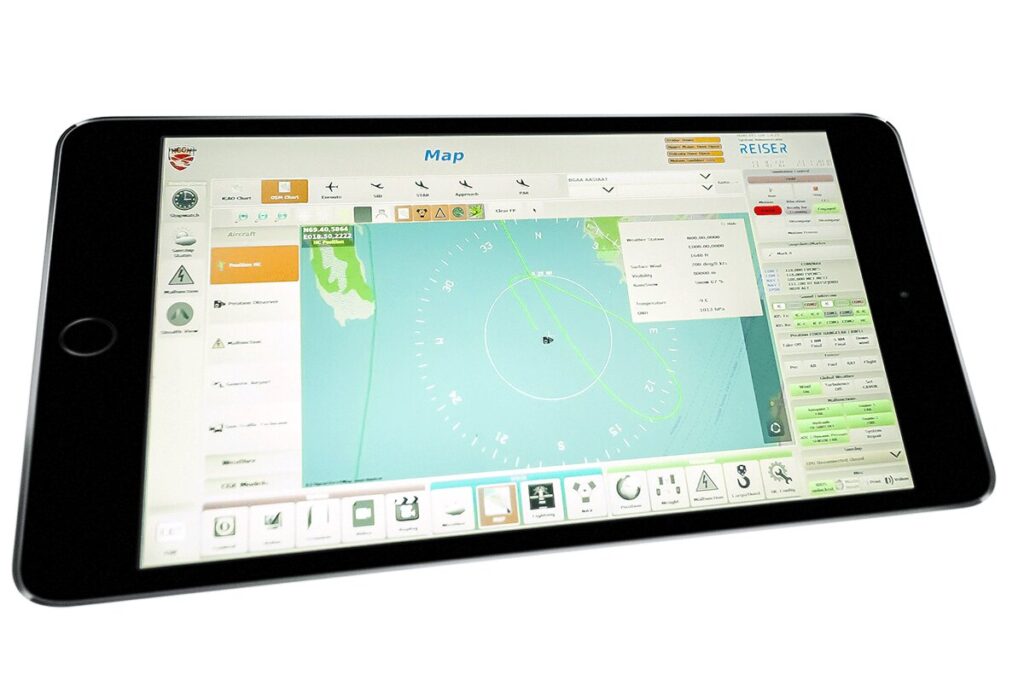
The ADT uses FFS-derived flight, engine, AFCS and sound models. This allows normal and abnormal operations as well as instrument procedures to be prepared and repeated in both manual and AFCS modes.
Helionix Step 2 and Step 3
Flight, engine and AFCS models
Sound model with warning and caution tones and ATIS
VOR, NDB, ILS, RNAV and GPS procedures
EuroNav 7
Jeppesen data
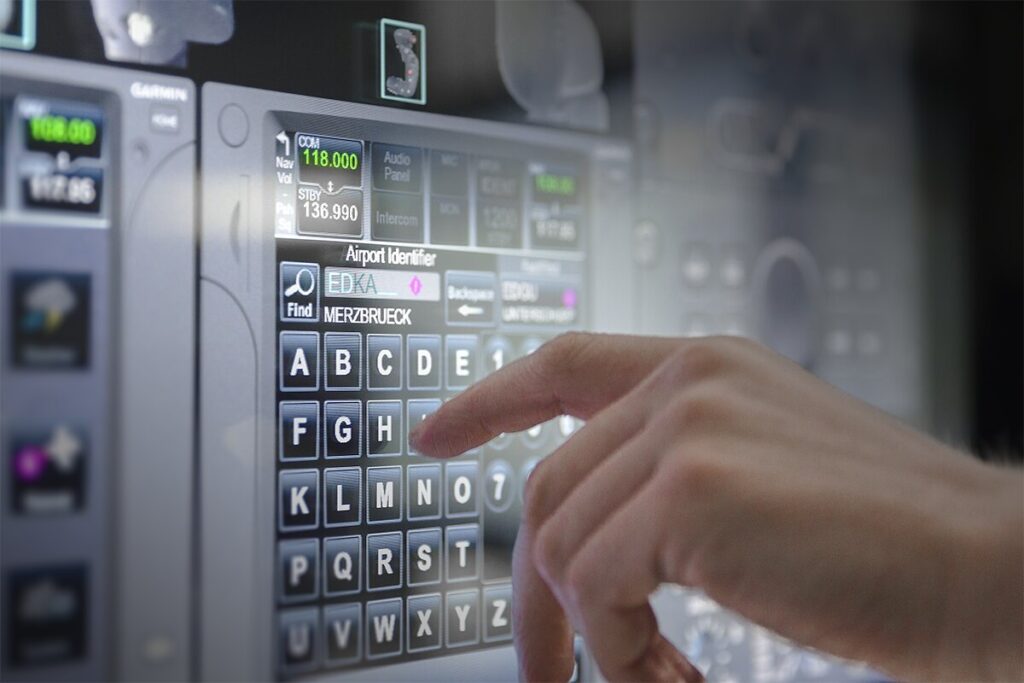
Garmin GTN750 Lite
3
Hardware options
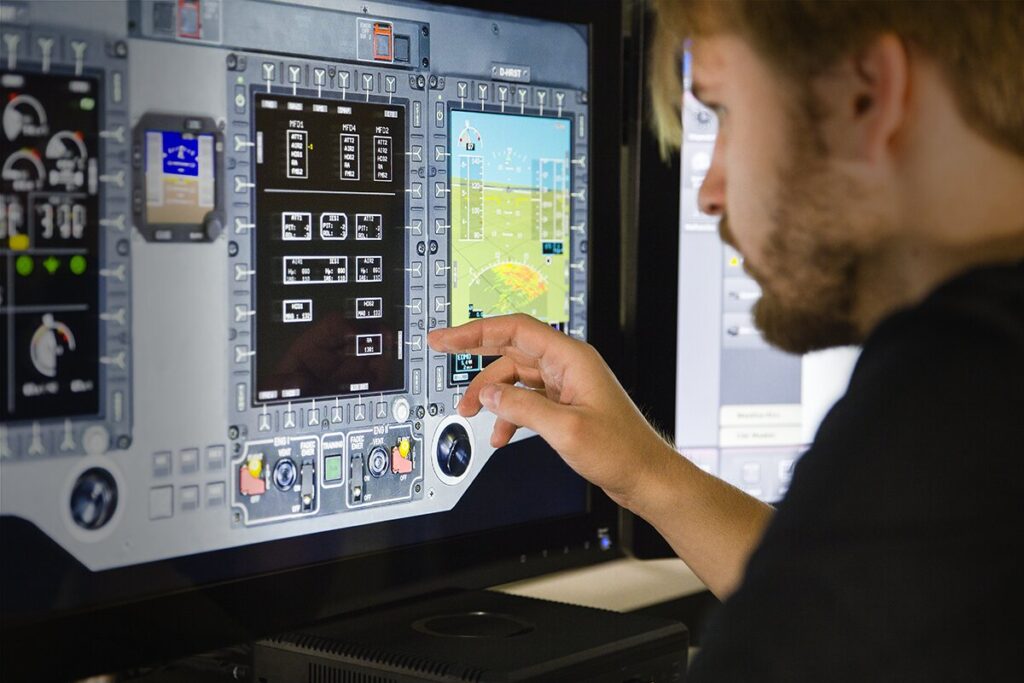
The desktop solution is compact and designed for flexible use in classroom and individual training. The hardware travels in several hard-shell cases. For selected training content, the ADT can optionally be extended with a Garmin GTN750 docking station.
Mini PC system
Display mount
Wireless keyboard with trackpad
Cable set
Three hard-shell cases
Optional Garmin GTN750 docking station
No motion system required
4
IOS & scenarios
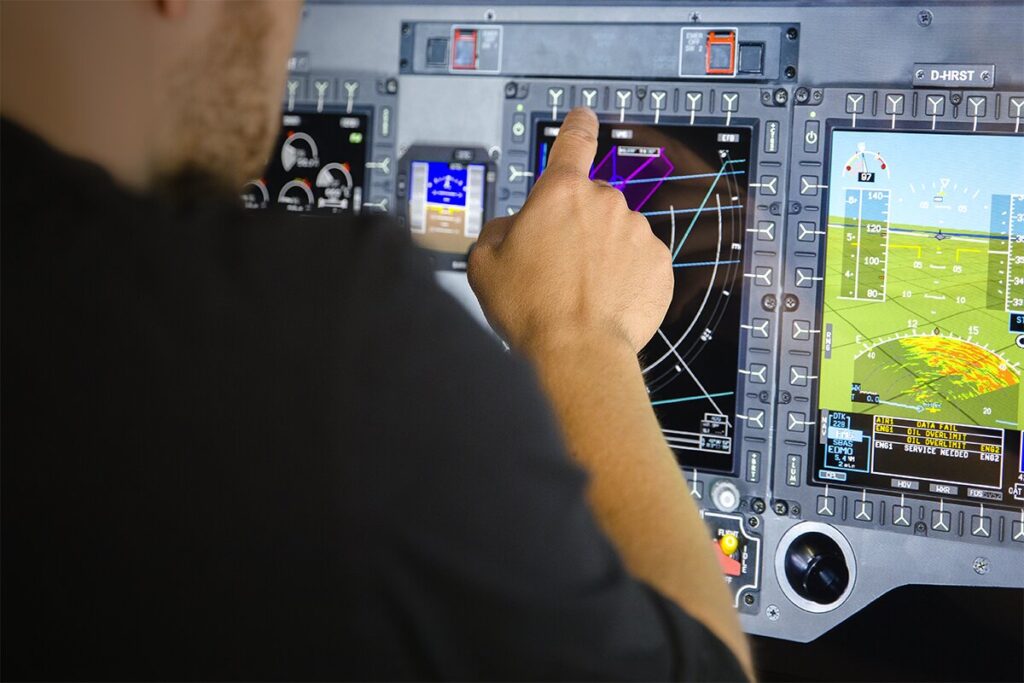
The Instructor Operating Station of the ADT is derived from the IOS of the Full Flight Simulator. Instructors prepare training sessions, set initial conditions, control scenarios and adjust system states for procedures training.
Instructor Operating Station identical to the FFS
Scenario and training preparation
Re-positioning and fuel management
Wind and weather simulation
Malfunction training
Mission and system preparation
Experience the ADT live.
On site in Berg or remotely. Our experts show you the system in operation and answer technical questions directly.
FAQ
Typical questions about the Avionic Desktop Trainer, from available helicopter types and certification to preparation for the Full Flight Simulator.
What is the Avionic Desktop Trainer?
The Avionic Desktop Trainer (ADT) is a compact avionics and procedures trainer for focused preparation for simulator and training sessions. It reproduces type-specific avionics, operating sequences and instrument procedures on four touch displays.
Which helicopter types is the ADT available for?
The ADT is available for the Airbus H135 as well as the H145 D2 and H145 D3 with Helionix avionics.
Does the ADT require its own certification?
No. The ADT is designed as an avionics and procedures trainer and does not require its own certification. It can therefore be used in the classroom independently of certified FTD or FFS sessions.
Which training content does the ADT support?
The ADT supports avionics familiarization, system operation, normal and abnormal procedures and the preparation of instrument procedures, among others. These include VOR, NDB, ILS, RNAV and GPS.
Is the Instructor Operating Station identical to the FFS IOS?
Yes. The ADT uses the same IOS logic as the Full Flight Simulator. Instructors therefore prepare scenarios, initial conditions, system states and training sequences in a familiar environment.
What hardware does the ADT include?
The ADT consists of four 27-inch Full HD touch displays with integrated speakers, a display mount, a mini PC, a wireless keyboard with trackpad and the required cables. The components travel in hard-shell cases.
Can the ADT be extended?
Yes. A Garmin GTN750 docking station is available as an optional extension. The exact configuration is agreed on a project basis.
Can the ADT be used at different locations?
The ADT is designed as a compact desktop system for use in the classroom. The components can be transported in hard-shell cases and used at different training locations.